Best Gadgets for Beginners
Technology does not have to be complicated.
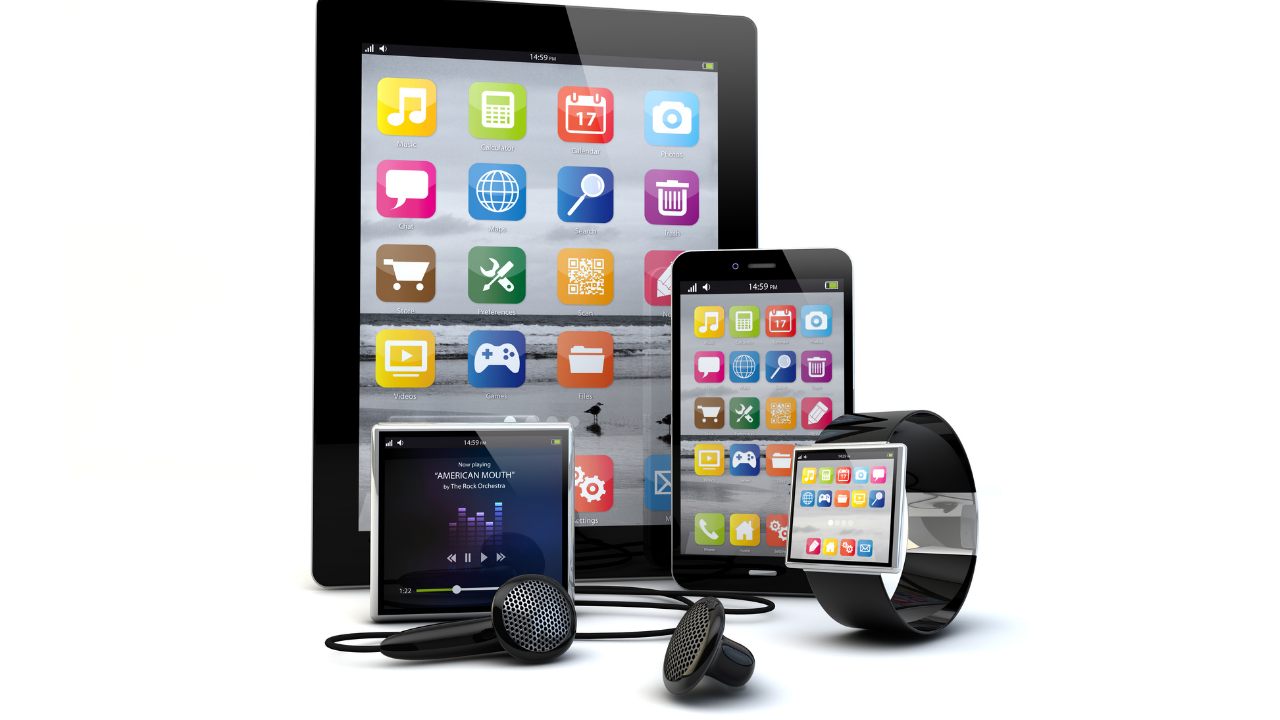
For someone buying their first gadget—or simply becoming more comfortable with modern technology—the best device is not necessarily the one with the most features. A good beginner gadget should be practical, reasonably easy to set up, simple to operate, and supported by clear instructions.
Current beginner-focused technology guides commonly emphasize straightforward setup, intuitive controls, compatibility, customer support, reasonable pricing, and starting with one device before expanding.
This guide explains some of the best gadgets for beginners, what they do, who they are best suited for, and what to consider before buying.
Important: Product features, prices, compatibility, subscription requirements, and software support can change. Check the manufacturer’s current specifications before purchasing.
What Makes a Gadget Beginner-Friendly?
A beginner-friendly gadget should reduce frustration rather than create more of it.
Here are some characteristics to look for:
| Feature | Why It Matters |
|---|---|
| Simple setup | You can get started without complicated installation |
| Clear controls | Buttons, menus, or voice commands are easy to understand |
| Useful features | The device solves a real everyday problem |
| Good support | Help is available if you encounter problems |
| Compatibility | It works with your existing phone, computer, or smart-home platform |
| Reasonable cost | You can learn without making a large investment |
| Software updates | The device can receive security and feature improvements |
| Easy-to-understand app | You do not need several complicated apps to operate it |
Beginner-oriented sources consistently recommend looking beyond specifications and considering setup, support, compatibility, and actual usefulness.
1. Smartphone
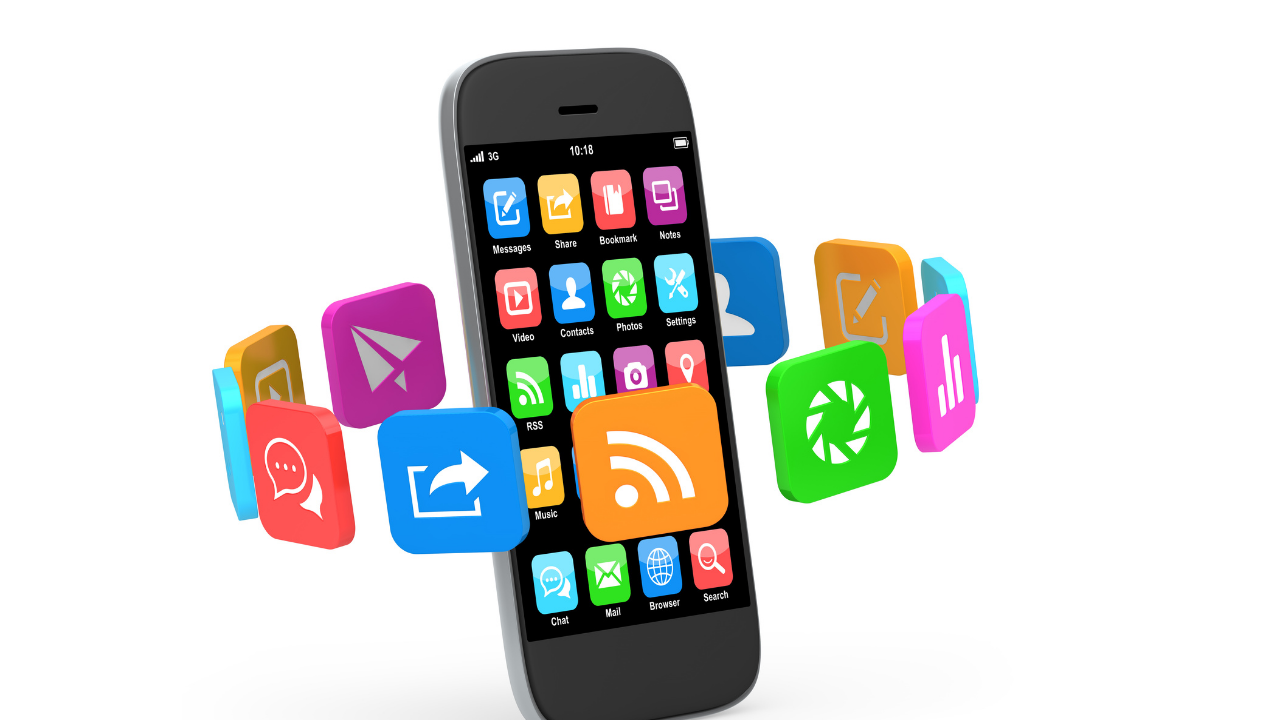
A smartphone is one of the most useful starting points for someone learning modern technology.
A single phone can provide calling, messaging, internet access, photography, navigation, video calls, entertainment, and access to thousands of applications.
For beginners, look for a phone with:
- A readable display
- Straightforward menus
- Good battery life
- Accessible settings
- Reliable software support
- Built-in help or tutorials
- A camera that is easy to operate
The goal is not necessarily to buy the most powerful phone. A model with features you can understand and actually use may be a better starting point.
Beginner-focused guides identify smartphones as practical starting devices because they combine communication, entertainment, productivity, and internet access in one device.
Best for:
- First-time technology users
- Staying connected with family
- Video calls
- Internet browsing
- Photography
- Everyday communication
2. Tablet
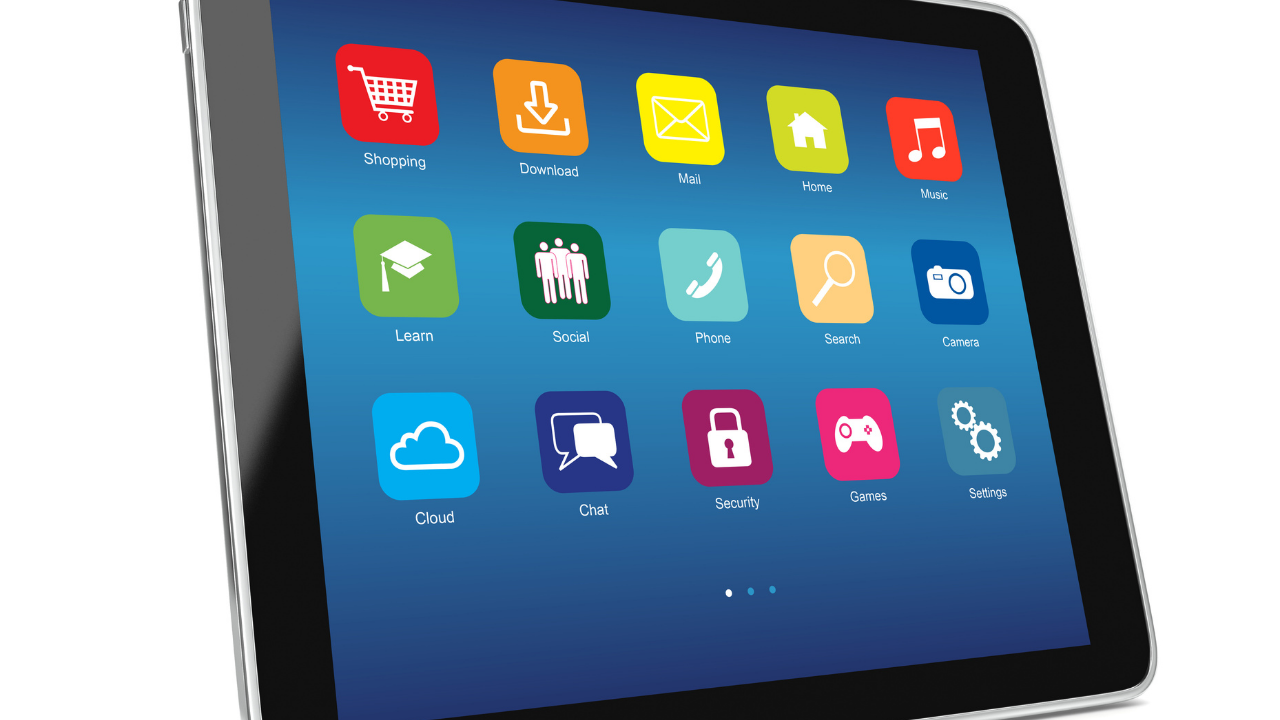
A tablet can be an excellent choice for people who want a larger screen than a smartphone provides.
It is useful for reading, watching videos, browsing the internet, attending video calls, viewing photos, and using apps.
A larger screen can also make text and controls easier to see.
When choosing a beginner tablet, consider:
- Screen size
- Weight
- Battery life
- Ease of navigation
- Available accessibility settings
- App availability
- Software support
Some beginner technology guides specifically note that tablets can be useful for people who prefer larger screens for reading, video calls, and browsing.
Best for:
- Older adults who prefer larger displays
- Reading
- Streaming
- Video calls
- Casual browsing
- Families
3. Wireless Earbuds
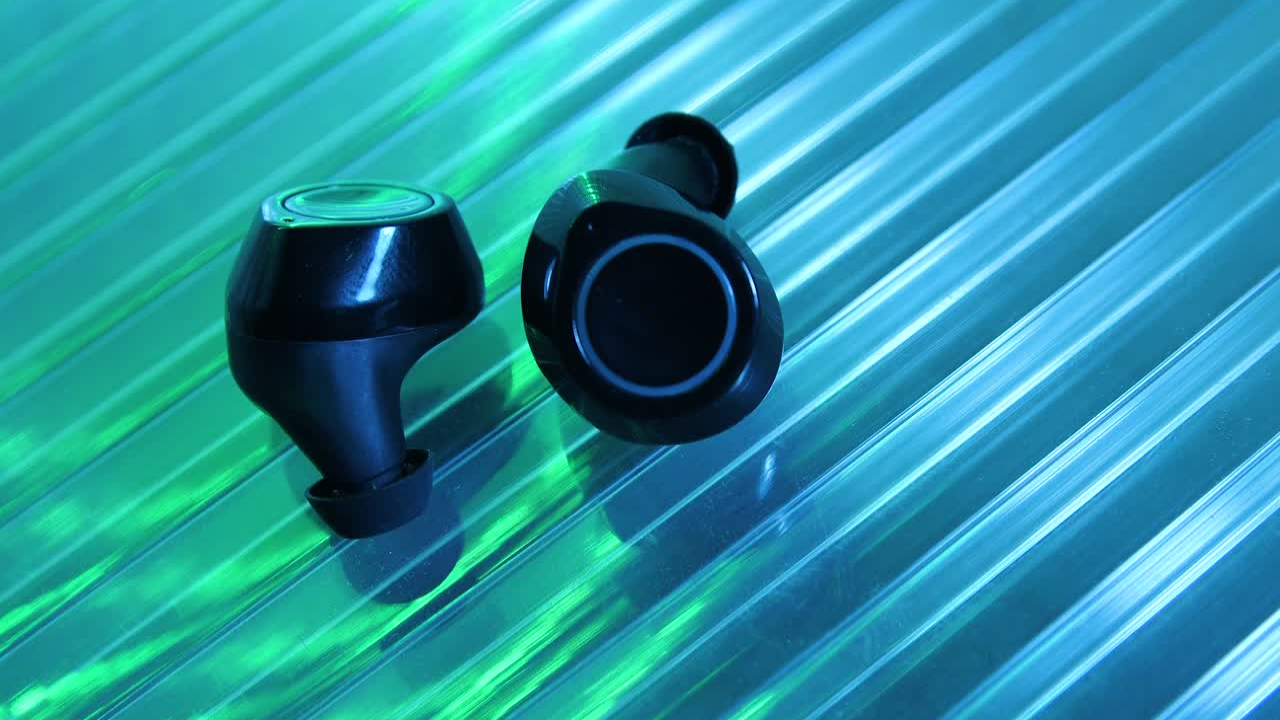
Wireless earbuds introduce beginners to Bluetooth audio without requiring a traditional headphone cable.
Many models can connect to a smartphone and provide controls for music, calls, and other audio.
For a beginner, prioritize:
- Easy Bluetooth pairing
- Comfortable fit
- Clearly labeled controls
- Good battery life
- A charging case
- Reliable connection
- Clear instructions
Some current beginner-gadget guides identify wireless earbuds as an accessible option for podcasts, online meetings, music, and watching videos.
Best for:
- Listening to music
- Podcasts
- Phone calls
- Online meetings
- Watching videos privately
- Travel
Beginner tip: Bluetooth pairing can seem confusing the first time. Once you understand how to open the Bluetooth settings on your phone and select the earbuds, future connections are usually much easier.
4. Portable Bluetooth Speaker
A portable Bluetooth speaker is another relatively simple way to explore wireless technology.
Instead of connecting a phone to a speaker with a cable, Bluetooth allows compatible devices to communicate wirelessly over a short distance.
Beginner-friendly models may offer simple pairing and physical controls for volume and playback.
Look for:
- Easy pairing
- Clearly labeled buttons
- Adequate battery life
- Appropriate size
- Water resistance if you need it
- A charging method you understand
Bluetooth speakers can be useful at home, outdoors, while traveling, or during small gatherings.
Best for:
- Music
- Podcasts
- Audiobooks
- Outdoor use
- Casual entertainment
5. Smart Plug
A smart plug is one of the simplest ways to begin exploring smart-home technology.
It plugs into an existing electrical outlet and allows a compatible appliance, such as a lamp, to be controlled through an app or supported voice assistant.
Depending on the model and platform, you may be able to create schedules or control the connected appliance remotely.
Current beginner smart-home guidance identifies smart plugs as an accessible entry point because they can add app or voice control without requiring complicated installation.
Example uses:
- Turn a lamp on or off
- Schedule lighting
- Control a compatible fan
- Create simple routines
- Control appliances remotely
Important safety consideration
A smart plug does not automatically make every appliance safe to operate unattended.
Check the smart plug’s electrical rating and the appliance manufacturer’s instructions before connecting high-power appliances.
Best for:
- First-time smart-home users
- Renters
- People who want simple automation
- Anyone interested in learning smart-home technology
6. Smart Bulb
Smart bulbs provide another approachable introduction to connected-home technology.
Depending on the product, a smart bulb may allow you to control brightness, color, schedules, or on/off functions through an app or voice assistant.
For example, smart lighting systems can be controlled through apps, voice commands, or compatible smart accessories.
Before purchasing, check:
- Bulb size and socket type
- Voltage requirements
- Wi-Fi or hub requirements
- Compatibility with your preferred platform
- Whether a subscription is required for any desired features
Best for:
- Beginners interested in smart homes
- Bedroom lighting
- Living-room lighting
- Scheduling lights
- Learning basic home automation
7. Smart Speaker
A smart speaker combines a speaker with a voice-controlled digital assistant.
Depending on the platform and device, you can use voice commands to perform tasks such as setting timers, playing music, checking information, or controlling compatible smart-home devices.
Beginner technology guides identify smart speakers as useful entry points because voice interaction can reduce the need to navigate menus and apps.
What to learn first:
- How to activate the voice assistant
- How to adjust the volume
- How to connect compatible devices
- How to manage privacy settings
- How to disable features you do not want to use
Best for:
- Voice control
- Music
- Timers and reminders
- Smart-home beginners
- People who prefer speaking instead of navigating menus
8. Smart Display
A smart display combines a touchscreen with voice-assistant functions.
Instead of hearing information only through a speaker, you can see information such as calendars, reminders, recipes, weather information, or video calls on the screen.
USA TODAY’s beginner smart-home guide describes smart displays as a central control point for compatible smart-home devices and everyday functions.
Best for:
- Families
- Home organization
- Video calls
- Kitchen use
- Smart-home control
- People who prefer visual interfaces
Privacy consideration
Smart displays may contain microphones and, depending on the device, cameras. Review privacy settings and understand when these features are active before using one in private spaces.
9. Fitness Tracker
A fitness tracker can introduce beginners to wearable technology.
Depending on the model, a tracker may record information such as steps, activity, heart rate, or sleep-related measurements.
Some beginner-focused technology sources describe simple fitness trackers as useful for following basic activity and health-related trends.
However, health-related measurements from consumer wearables should not automatically be treated as medical diagnoses. Accuracy can vary by device, measurement, activity, and individual circumstances.
Best for:
- Tracking daily activity
- Learning about wearable technology
- Setting activity goals
- Following personal trends
Important distinction
A fitness tracker is primarily a consumer technology device. It should not replace professional medical evaluation when you have a health concern.
10. Smart Doorbell
A smart doorbell combines a doorbell with a camera and connected features.
Depending on the model, you may be able to receive notifications, view visitors, or communicate with someone at the door.
Beginner smart-home guides include video doorbells among devices that can add convenience and security-related functions to a connected home.
Before buying, investigate:
- Wired versus battery-powered installation
- Wi-Fi requirements
- Video storage
- Subscription fees
- Privacy controls
- Compatibility with your smart-home platform
- Local laws and community rules where applicable
Best for:
- Homeowners
- Apartment or rental residents where installation is permitted
- Package monitoring
- Connected-home beginners
11. Streaming Device
A streaming device can connect a compatible television to internet-based entertainment services.
Depending on the product, you may be able to access streaming applications, search for content, and use voice controls.
Examples of beginner-oriented smart-home ecosystems include streaming devices that can also interact with compatible smart-home products.
Best for:
- Watching streaming services
- Simplifying TV access
- People who want to upgrade an older compatible television
- Learning connected entertainment technology
Before buying, verify that the device supports the streaming services you actually use.
12. Wireless Phone Charger
Wireless charging can reduce the need to connect a charging cable directly to a compatible phone.
The technology uses electromagnetic induction to transfer energy between the charger and compatible device.
DIY technology resources describe wireless charging as an example of a technology that can be explored through hands-on projects and explain the basic electromagnetic principle behind it.
For beginners who simply want convenience, however, buying a certified compatible charger is generally more practical than building one.
Best for:
- Desk charging
- Bedside charging
- Reducing cable clutter
- People with compatible smartphones
Always verify compatibility between the charger and your particular phone.
13. Beginner Electronics Kit
Not every gadget needs to be something you simply use.
An electronics kit can help beginners learn how technology works.
Basic projects can introduce concepts such as:
- LEDs
- Batteries
- Resistors
- Wires
- Simple circuits
- Sensors
- Microcontrollers
DIY electronics resources describe LED circuit projects as an approachable way to explore basic circuit design. Arduino and Raspberry Pi projects can also introduce beginners to sensors, automation, programming, and hands-on experimentation.
Best for:
- Students
- Curious adults
- Hobbyists
- Parents and children learning together
- People interested in electronics
Safety note: Begin with low-voltage educational kits and follow the manufacturer’s instructions. Avoid experimenting with household mains electricity unless you have the appropriate training.
14. Raspberry Pi or Similar Mini Computer
A small single-board computer can be a more advanced beginner gadget for someone who wants to move beyond simply using technology and start building with it.
Raspberry Pi projects can involve media centers, weather stations, data logging, automation, and other experiments.
This category has a steeper learning curve than a smart plug or Bluetooth speaker, so it may not be the best first gadget for everyone.
It can be an excellent next step for someone who enjoys experimenting.
Best for:
- Students
- Makers
- Aspiring programmers
- Electronics hobbyists
- People interested in automation
Quick Comparison: Best Gadgets for Beginners
| Gadget | Ease of Use | Best For | Learning Level |
|---|---|---|---|
| Smartphone | High | Communication and everyday tasks | Beginner |
| Tablet | High | Reading, video and browsing | Beginner |
| Wireless earbuds | High | Audio and calls | Beginner |
| Bluetooth speaker | High | Music and entertainment | Beginner |
| Smart plug | High | Simple automation | Beginner |
| Smart bulb | High | Smart lighting | Beginner |
| Smart speaker | High | Voice control | Beginner |
| Smart display | High | Organization and smart-home control | Beginner |
| Fitness tracker | High | Activity tracking | Beginner |
| Smart doorbell | Moderate | Connected home security | Beginner–Intermediate |
| Streaming device | High | TV entertainment | Beginner |
| Wireless charger | High | Convenient charging | Beginner |
| Electronics kit | Moderate | Learning electronics | Beginner–Intermediate |
| Raspberry Pi | Moderate | Coding and projects | Beginner–Intermediate |
The ratings above are practical editorial guidance rather than laboratory measurements. Ease of use can vary considerably between products, operating systems, accessibility needs, and individual users.
How to Choose Your First Gadget
1. Start With a Problem
Do not begin with the question:
“What is the newest gadget?”
Start with:
“What problem do I want this gadget to solve?”
For example:
- Want easier video calls? → Consider a smartphone or tablet.
- Want better audio? → Consider wireless earbuds or a Bluetooth speaker.
- Want to automate a lamp? → Consider a smart plug.
- Want voice control? → Consider a smart speaker.
- Want to learn electronics? → Consider an electronics kit.
Identifying the actual need before shopping is one of the most consistent recommendations across beginner technology guides.
2. Check Compatibility
Compatibility is one of the most important issues for beginners.
A device may work well on its own but become frustrating if it does not work with your existing technology.
Before purchasing, ask:
- Does it work with my phone?
- Does it support my operating system?
- Does it require a separate hub?
- Does it work with my preferred smart-home platform?
- Does it require Wi-Fi?
- Does it require a subscription?
For smart homes, current guidance also highlights Matter, a smart-home interoperability standard designed to improve compatibility across supported platforms and devices. Look for the Matter designation where cross-platform compatibility matters, but always verify the specific product’s supported features.
3. Check the Total Cost
The purchase price is not always the complete cost.
Some devices may have additional expenses for:
- Subscriptions
- Cloud storage
- Accessories
- Replacement batteries
- Hubs
- Extended warranties
- Premium software features
Beginner technology guides specifically recommend checking ongoing costs before purchasing.
A cheaper device can therefore become more expensive over time if it requires a recurring subscription for features you need.
4. Look at Software Support
Hardware is only part of a modern gadget.
Many connected devices depend on software and mobile applications.
Regular software updates can provide security improvements and new functionality, making update support an important consideration when choosing a device.
Before purchasing, check how long the manufacturer says it intends to support the product.
5. Read Reviews From Beginners
Professional reviews can be useful, but beginners should also look for comments about:
- Setup difficulty
- App usability
- Battery life
- Connection problems
- Reliability
- Customer support
- Learning curve
The important thing is to look for patterns, rather than relying on one unusually positive or negative review.
6. Start With One Gadget
You do not need to build a complete technology setup immediately.
Starting with one device lets you learn:
- How to install it
- How to change settings
- How to troubleshoot basic problems
- How software updates work
- How it connects to other devices
Several beginner-focused sources recommend starting simply and expanding gradually rather than purchasing many devices at once.
Common Beginner Mistakes
Buying the Most Advanced Model
More features do not necessarily mean a better experience.
A professional-grade gadget may include functions you never use.
Start with the features you actually need.
Buying Based Only on Hype
A gadget can be popular without being right for you.
Consider practical value, ease of use, compatibility, and support before purchasing.
Ignoring Privacy
Connected gadgets may collect information or use microphones, cameras, location data, or cloud services.
Review the privacy settings before using a connected device.
Forgetting About Subscriptions
Some products advertise attractive hardware prices while charging separately for certain cloud or premium features.
Check the current pricing structure before buying.
Buying Too Many Devices
A house full of smart devices can become difficult to manage if each product requires a separate app or account.
Build gradually.
Ignoring Return Policies
Technology does not always work the way you expect in your particular environment.
Check the retailer’s return policy before purchasing, particularly when buying unfamiliar technology.
What Gadgets Should Beginners Avoid?
Beginners do not necessarily need to avoid entire categories of technology.
Instead, be cautious with devices that have:
- Complicated installation
- Numerous separate apps
- Poor documentation
- Limited customer support
- Unclear privacy policies
- High recurring costs
- Compatibility restrictions
- Features you are unlikely to use
A complicated gadget can be worthwhile if you specifically want to learn that technology. It is simply not always the best place to start.
Are Gadgets for Beginners Only for Young People?
No.
Beginner-friendly technology can be useful at almost any age.
The important issue is usability.
For some people, a large display may be more comfortable. Others may prefer voice commands, physical buttons, or a simple touchscreen.
Accessibility features can also make smartphones, tablets, smart displays, and other gadgets easier to use.
The right gadget is the one that matches the user’s abilities, preferences, and needs—not their age.
What Is the Best First Gadget to Buy?
There is no single best gadget for everyone.
A smartphone is a strong starting point if you want one device that handles communication, internet access, photography, and everyday apps.
A smart plug is a good introduction to smart-home automation.
Wireless earbuds are a straightforward way to learn Bluetooth technology.
A tablet can be a better option when a larger screen is important.
An electronics kit is a better choice if your goal is to understand how technology works rather than simply use it.
Frequently Asked Questions
What is the easiest gadget for beginners?
Simple devices such as Bluetooth speakers, wireless earbuds, smart plugs, and basic smart-home products can be relatively easy starting points. The easiest option depends on what you want the gadget to accomplish.
What is the best gadget for someone who is not good with technology?
Choose a device with clear controls, guided setup, accessible support, and a limited number of unnecessary features. A simple smartphone, tablet, smart speaker, or smart plug may be appropriate depending on the person’s needs.
Are smart-home gadgets difficult to set up?
Many consumer smart-home devices are designed to guide users through setup with smartphone applications. However, difficulty varies by product, home network, and compatibility requirements.
Do beginner gadgets require Wi-Fi?
Not all of them.
Bluetooth earbuds and many portable speakers can connect directly to a phone using Bluetooth. Smart-home products frequently use Wi-Fi or another wireless technology, depending on the device.
Always check the manufacturer’s requirements.
Do smart gadgets require monthly subscriptions?
Not necessarily.
Some products provide their core functions without a subscription, while others charge for cloud storage or premium features. Check the current terms before buying.
Should beginners buy Apple, Google, or Amazon devices?
There is no universally best ecosystem.
The better choice often depends on the devices you already own. For example, someone heavily invested in one platform may find it simpler to stay within that ecosystem. Compatibility should be checked before purchasing.
Are expensive gadgets better for beginners?
Not necessarily.
A less expensive or mid-range device may be easier to learn and may provide all the features you need. Beginner-focused sources recommend avoiding unnecessary spending on advanced equipment until you know what you actually need.
What should I learn first when buying a new gadget?
Start with the basics:
- How to turn it on and off
- How to charge it
- How to connect it
- How to change essential settings
- How to update the software
- How to troubleshoot common problems
- How to protect your privacy and account
Final Thoughts
The best gadgets for beginners are not necessarily the newest, most expensive, or most technologically advanced.
They are the devices that make technology easier to understand and genuinely useful in everyday life.
For many first-time users, a smartphone, tablet, wireless earbuds, Bluetooth speaker, smart plug, smart bulb, or smart speaker can provide a practical introduction to modern technology.
For people who want to go further, electronics kits, Arduino projects, and Raspberry Pi projects can turn technology from something you simply use into something you can build and understand.
The best approach is simple:
Identify a need. Choose one useful gadget. Learn how it works. Then expand when you are ready.
Technology should solve problems—not create unnecessary ones.