
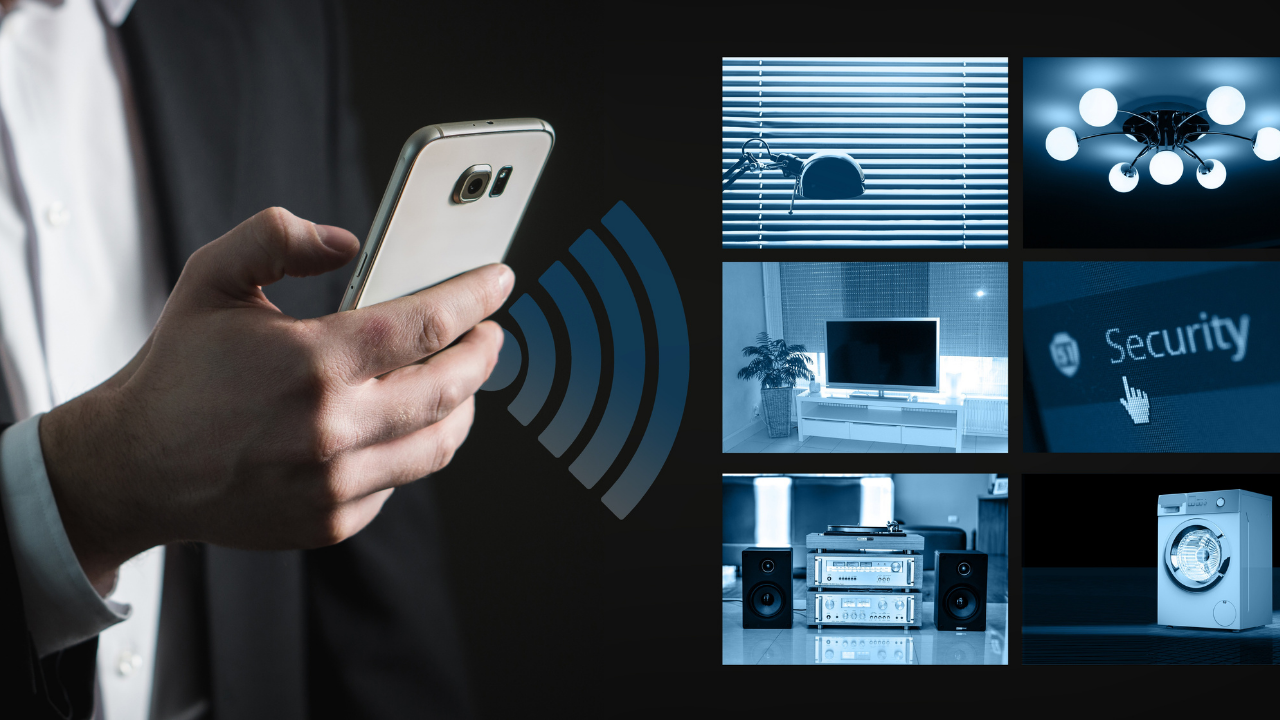
Must-Have Gadgets for Every Home
Technology has changed the way people work, communicate, entertain themselves, manage household tasks, and protect their homes.
But having more technology does not necessarily mean having a better home. The most useful gadgets are the ones that solve practical problems, save time, improve convenience, support safety, or make everyday tasks easier.
For many households, useful technology can include something as simple as a smart plug or Wi-Fi router and as advanced as a robotic vacuum or connected security system.
Current consumer technology guides commonly highlight categories such as smart speakers, security cameras, video doorbells, smart locks, thermostats, robotic vacuums, smart lighting, and connected home controls. Consumer Reports, for example, tests several of these categories for performance and data-security considerations.
This guide explains the most useful types of gadgets to consider—not simply the newest products on the market.
Important: A gadget described as “must-have” is not necessarily essential for every household. Your home size, budget, lifestyle, internet connection, privacy preferences, and existing appliances should determine what you actually buy.
What Makes a Gadget Worth Having?
Before buying a new device, ask a simple question:
What problem will this gadget solve?
A useful home gadget should ideally provide one or more of these benefits:
- Saves time
- Improves convenience
- Helps protect the home
- Makes household tasks easier
- Improves connectivity
- Helps manage energy use
- Supports entertainment
- Provides useful information
- Automates repetitive tasks
- Works reliably with your existing technology
It is also important to consider the total cost. The purchase price may not be the only expense. Some connected devices require subscriptions for cloud storage, advanced features, or extended services. Consumer Reports notes that subscription requirements vary across smart-home products.
15 Must-Have Gadgets to Consider for Your Home
1. Reliable Wi-Fi Router or Mesh Wi-Fi System
A dependable internet connection is the foundation of a connected home.
Smart TVs, phones, computers, cameras, speakers, tablets, smart appliances, and other connected devices may all depend on your home network.
A traditional router may be sufficient for a smaller home. A mesh Wi-Fi system can be useful when a large home or challenging layout creates weak-signal areas.
What to look for
- Wi-Fi standard supported by your devices
- Adequate coverage for your home
- Security updates from the manufacturer
- Easy setup and management
- Enough capacity for the number of connected devices
- Parental or guest-network controls if needed
Best for: Almost every connected household.
2. Smart Security Camera
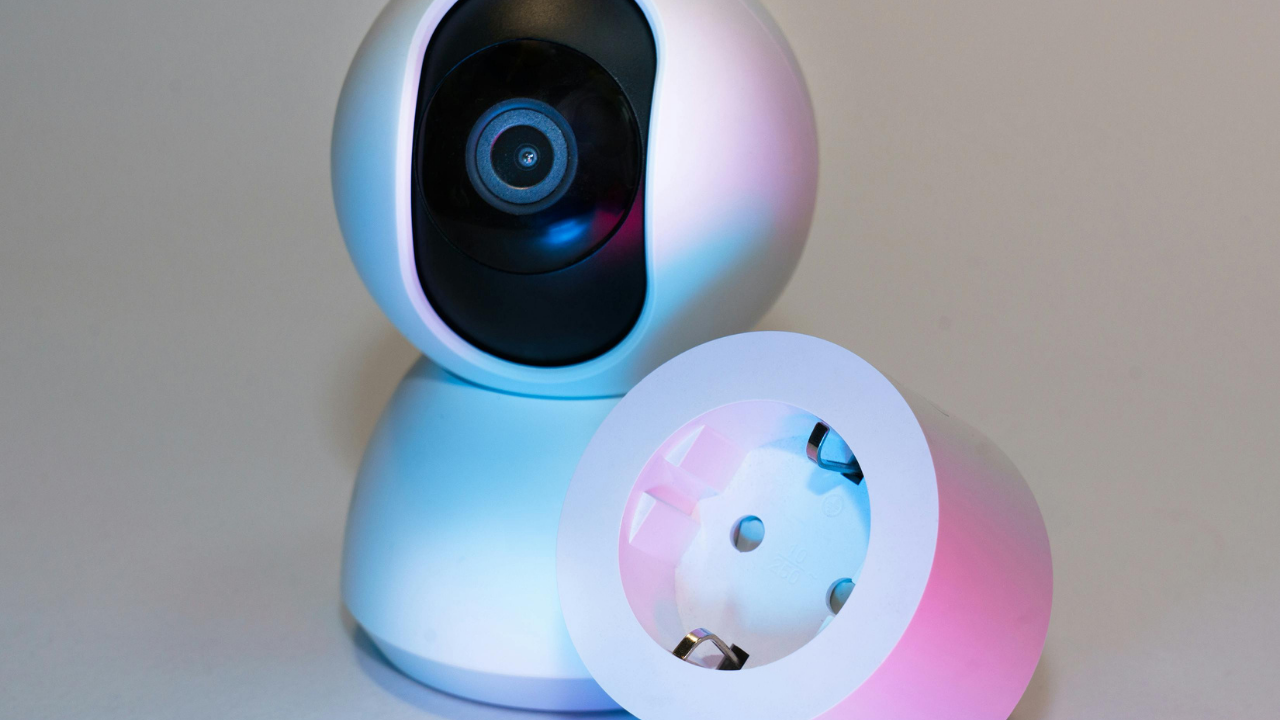
A smart security camera can allow you to view selected areas of your property through a phone or other connected device.
Depending on the model, features may include motion alerts, night vision, two-way audio, local storage, cloud storage, and person or animal detection.
Consumer Reports includes home security cameras among the smart-home categories it tests, including assessments related to data security.
Before buying
Check:
- Indoor or outdoor rating
- Video resolution
- Night-vision capability
- Storage options
- Subscription requirements
- Privacy controls
- Account security
- Whether the camera continues to provide useful functions during an internet outage
Important: A security camera can improve visibility, but it should not automatically be described as a guarantee of home security.
3. Video Doorbell
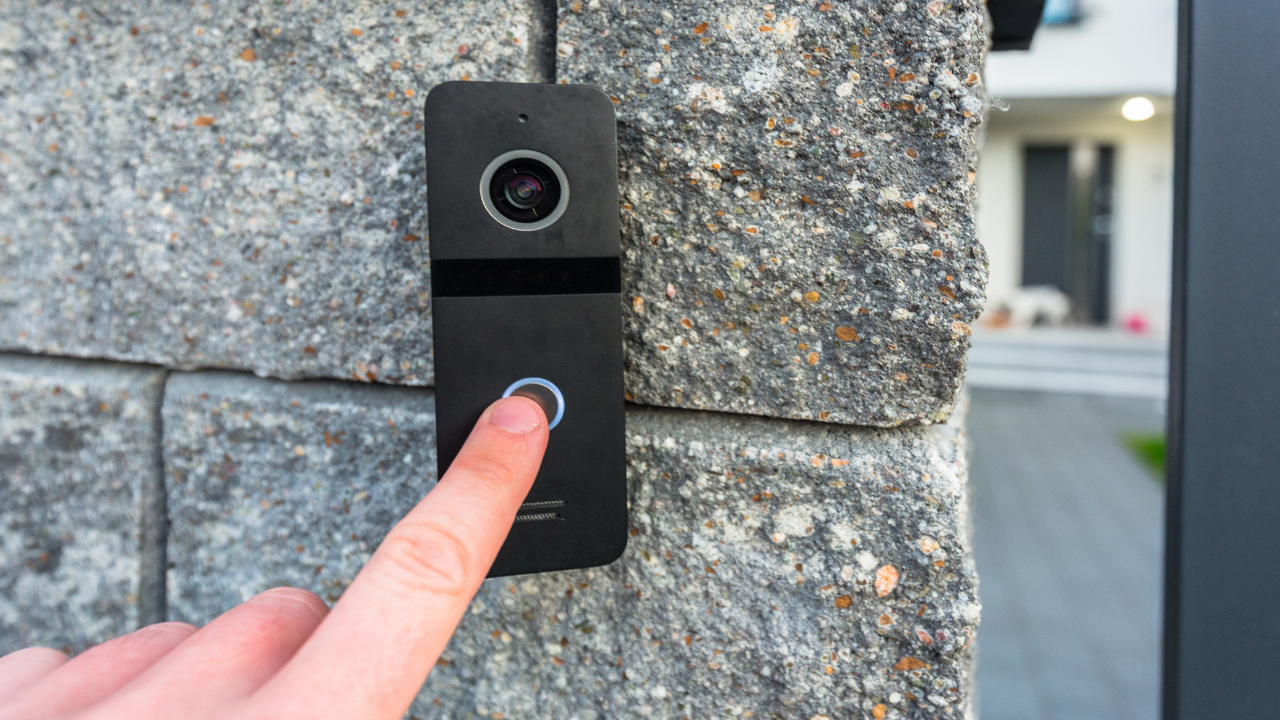
A video doorbell combines a doorbell with a camera and communication features.
Depending on the device, you may be able to receive an alert when someone approaches, view the doorway remotely, or communicate with a visitor.
Some models also provide package detection, motion zones, night vision, and recorded video.
Consumer Reports currently evaluates video doorbells for features and performance, and notes that some models require subscriptions for cloud video storage or advanced features.
Consider
- Wired versus battery-powered installation
- Field of view
- Night vision
- Local versus cloud storage
- Subscription costs
- Privacy settings
- Compatibility with your smart-home platform
4. Smart Speaker or Home Hub
A smart speaker can do more than play music.
Compatible devices can provide voice control for smart lights, plugs, thermostats, entertainment equipment, and other connected products.
A smart speaker can also serve as a central interface for household routines.
Consumer Reports has described smart speakers as a practical starting point for people beginning to build a connected home.
Useful functions include
- Voice commands
- Music and podcasts
- Timers and reminders
- Weather information
- Smart-device control
- Household routines
Choose an ecosystem that works well with the devices you already own.
5. Smart Lighting
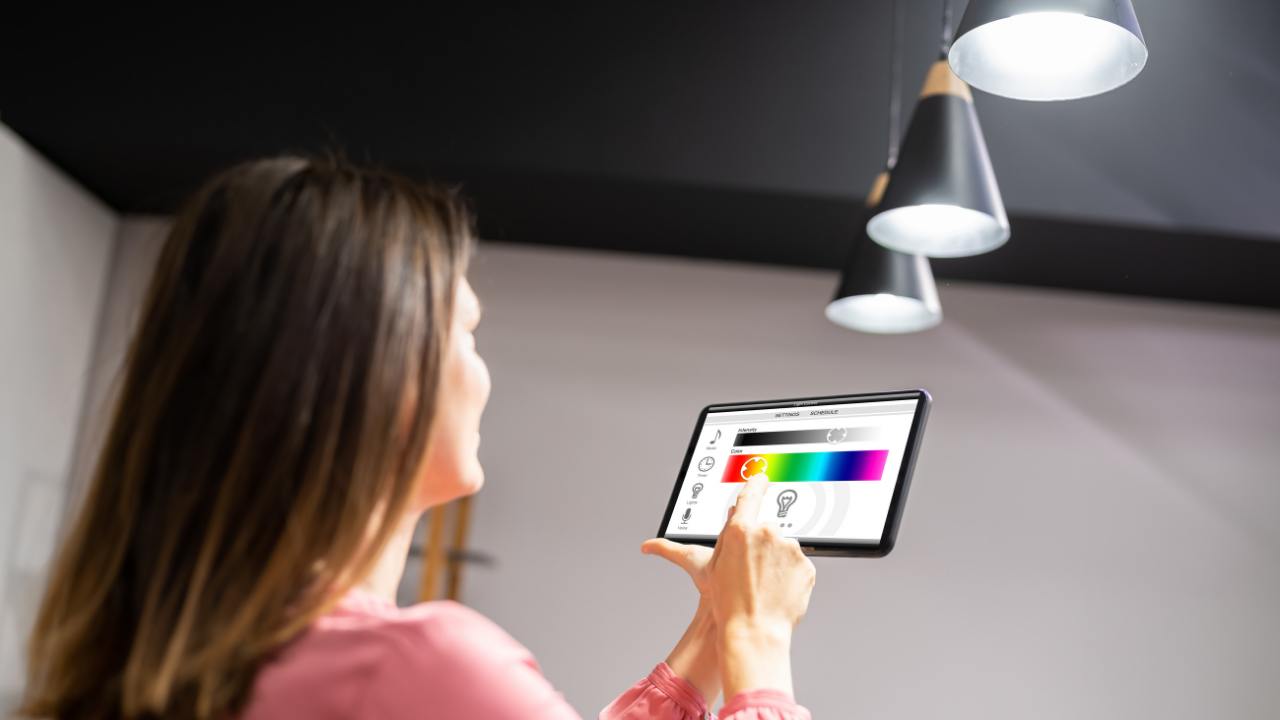
Smart bulbs, switches, and lighting systems can allow you to control lighting through an app, voice command, schedule, or automation.
For example, you might schedule outdoor lights to turn on around sunset or create a routine that switches off selected lights when you leave.
Smart lighting can also provide adjustable brightness and, with some products, color settings.
Why it can be useful
- Convenient remote control
- Scheduling
- Automation
- Adjustable brightness
- Integration with other smart-home devices
However, smart lighting is not automatically more energy-efficient simply because it is connected. Energy savings depend on how the system is used and the efficiency of the lighting itself.
6. Smart Plugs
A smart plug is one of the simplest ways to add automation to an existing electrical device.
Instead of replacing a lamp with a smart lamp, for example, you may be able to connect the lamp to a compatible smart plug.
Features can include:
- Remote switching
- Scheduling
- Voice control
- Automation
- Energy monitoring on some models
Consumer Reports includes smart plugs among the connected-home products it evaluates.
Safety reminder
Not every appliance should be connected to a smart plug. Check the plug’s electrical ratings and the appliance manufacturer’s instructions before using one.
7. Smart Thermostat
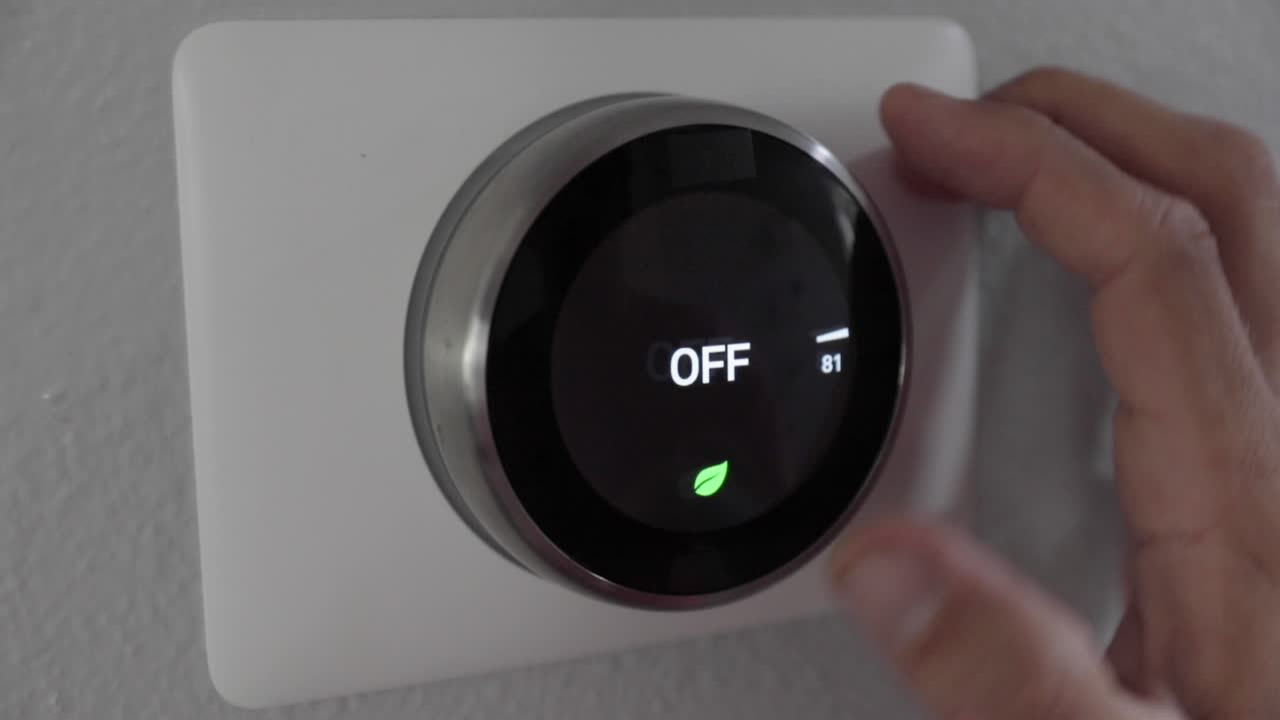
A smart thermostat can provide remote temperature control and programmable or automated schedules.
Some models can use occupancy information, learning features, or geofencing to adjust settings based on household routines.
The potential energy benefit depends heavily on the home’s heating and cooling system, climate, settings, insulation, occupancy patterns, and how the thermostat is used.
Consumer Reports currently evaluates smart thermostats as a distinct product category.
Before purchasing
Check:
- HVAC compatibility
- Required wiring
- Heating and cooling system type
- App compatibility
- Remote-control features
- Installation requirements
8. Robot Vacuum
Robot vacuums can automate some routine floor-cleaning tasks.
Depending on the model, they may map rooms, navigate around furniture, detect obstacles, schedule cleaning, and return to a charging station automatically.
Some newer models combine vacuuming and mopping.
Tech Times identifies robot vacuums as one of its major home-tech categories, while Consumer Reports includes robotic vacuums and combination vacuum-and-mop products in its testing program.
Best suited for
- Busy households
- Homes with frequent floor traffic
- Pet owners
- People who prefer automated cleaning routines
A robot vacuum does not necessarily replace every type of conventional cleaning. Stairs, corners, furniture, and certain surfaces may still require manual cleaning.
9. Smart Lock
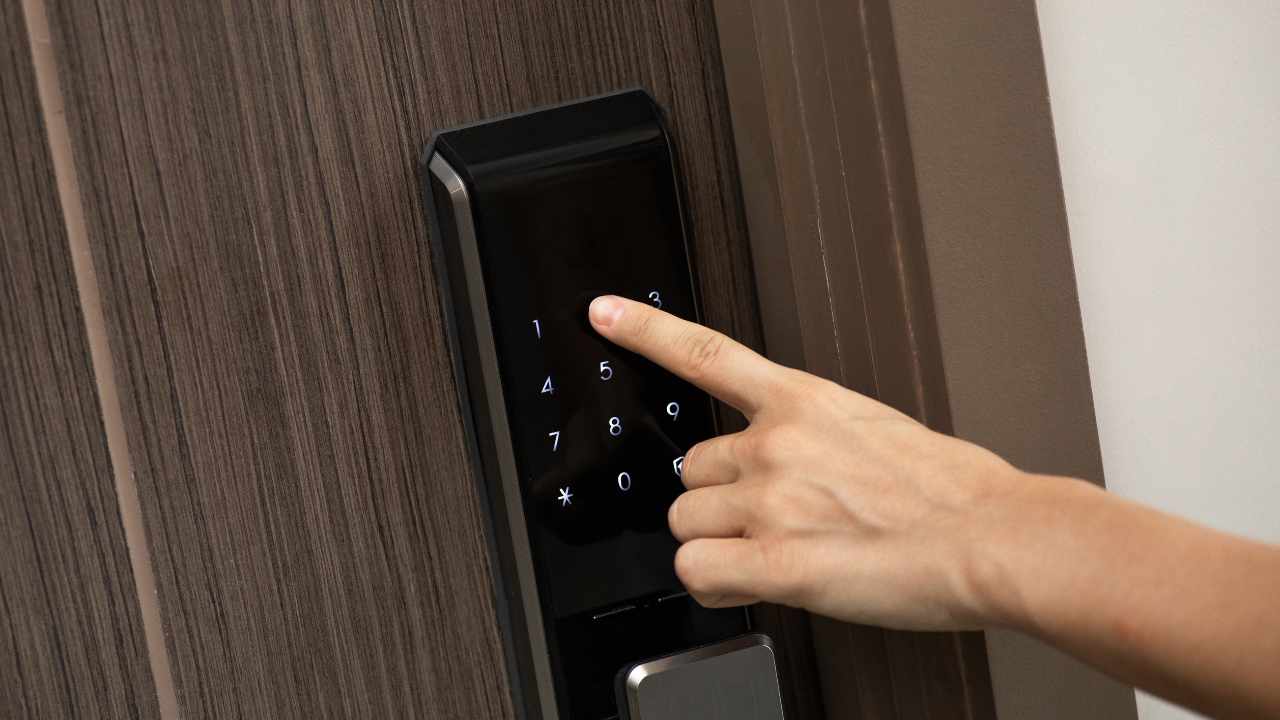
A smart lock can provide keyless or remotely managed access to a home.
Depending on the model, homeowners may use a keypad, smartphone, fingerprint reader, physical key, or temporary access code.
Consumer Reports includes smart locks among its tested smart-home categories.
Potential advantages
- Keyless entry
- Temporary access codes
- Remote status checking
- Automatic locking on supported models
- Integration with other smart-home systems
Important consideration
A smart lock is a security product. Look carefully at its physical security, authentication methods, encryption, update policy, backup entry options, and what happens if power or internet connectivity is lost.
10. Smart Air Purifier
A connected air purifier can combine air filtration with sensors, automatic controls, or smartphone monitoring.
Some models use HEPA filtration. However, consumers should distinguish between the filtration technology and the “smart” features.
The smart connection does not itself make an air purifier more effective. The filtration performance, appropriate room size, maintenance, and correct use are more important considerations.
Look for
- Appropriate filtration technology
- Suitable room coverage
- Replacement-filter availability
- Noise level
- Operating costs
- Sensor and automation features
Claims about specific health benefits should be evaluated carefully because product features and evidence vary.
11. Smart Display
A smart display combines a touchscreen with voice-assistant functions.
Depending on the ecosystem and model, it can display calendars, recipes, weather information, photos, timers, video calls, and controls for compatible smart-home devices.
A smart display can be especially convenient in a kitchen, office, or common living area.
Consider it if you want
- Hands-free information access
- Video calling
- Recipe assistance
- Calendar management
- Smart-home controls
- Digital photo display
12. Smart Smoke and Carbon Monoxide Detector
Safety-related technology deserves special attention.
Connected smoke and carbon monoxide detectors can provide alarms and, depending on the model, smartphone notifications or other connected features.
Consumer Reports includes combination smoke and carbon monoxide detectors among the smart-home categories it tests.
Do not overlook the basics
A connected detector still needs:
- Correct installation
- Working batteries or power
- Appropriate placement
- Regular testing
- Replacement according to manufacturer guidance
Smart features should supplement—not replace—basic fire and carbon-monoxide safety practices.
13. Smart Water-Leak Detector
A water-leak sensor can alert you when it detects moisture in an area where water damage could become a problem.
Potential locations include:
- Near a washing machine
- Under a sink
- Near a water heater
- In a basement
- Near plumbing equipment
Some advanced systems can connect to automatic water shutoff valves.
Consumer Reports currently includes smart water shutoff systems among the smart-home technologies it evaluates.
This type of technology can be particularly useful because early detection may give homeowners an opportunity to respond before a small leak becomes a larger problem.
14. Smart Kitchen Gadget
Not every useful kitchen gadget needs to be connected to the internet.
Depending on your cooking habits, useful technology could include:
- Digital kitchen scales
- Instant-read thermometers
- Smart cooking thermometers
- Programmable coffee makers
- Smart ovens
- Connected countertop appliances
The best choice depends on what you actually cook and how often you use the device.
For example, a digital kitchen scale may provide more practical value to a frequent baker than an expensive internet-connected appliance.
15. Portable Power Bank and Charging Station
Power accessories are among the most practical technology items in a modern home.
A good charging station can reduce cable clutter, while a portable power bank can provide backup power for compatible phones and other small devices.
Look for
- Appropriate charging standards
- Sufficient capacity
- Safety certifications
- Multiple ports if needed
- Reliable manufacturer
- Protection against overcharging and overheating
Do not assume that every high-capacity battery product is suitable for every device. Check compatibility and manufacturer specifications.
Essential Gadgets by Purpose
| Purpose | Useful Gadget Categories |
|---|---|
| Internet connectivity | Wi-Fi router or mesh system |
| Home security | Security camera, video doorbell, smart lock |
| Lighting | Smart bulbs, switches, smart plugs |
| Climate control | Smart thermostat |
| Cleaning | Robot vacuum |
| Air quality | Air purifier |
| Safety | Smoke/CO detector, water-leak sensor |
| Entertainment | Smart TV, speaker, projector |
| Home management | Smart display or home hub |
| Cooking | Digital scale, thermometer, connected appliances |
| Mobile power | Power bank, charging station |
What Should You Buy First?
You do not need to turn your home into a fully automated system overnight.
A practical approach is to start with the technology that solves your biggest problem.
If your main problem is connectivity
Start with a reliable router or mesh Wi-Fi system.
If security is your priority
Consider a security camera, video doorbell, or appropriate smart lock.
If you want convenience
Smart plugs and smart lighting are relatively straightforward ways to introduce automation.
If cleaning takes too much time
Consider a robot vacuum if your floors and household routine are suitable for one.
If heating and cooling are a major concern
Investigate whether your HVAC system is compatible with a smart thermostat.
If you are building a complete smart home
Choose your primary ecosystem first, then purchase compatible devices.
Matter and Thread: What Do They Mean?
Two terms increasingly appear when shopping for smart-home devices: Matter and Thread.
They are not the same thing.
Matter is a smart-home interoperability standard intended to help compatible devices from different manufacturers work together.
Thread is a networking technology designed for connected devices, particularly low-power smart-home devices.
TechDogs identifies Matter and Thread as important considerations when building a modern connected home and recommends checking compatibility before purchasing devices.
However, a Matter or Thread logo does not automatically mean every feature will work identically across every platform.
Always check the specific device’s compatibility information before buying.
Privacy and Security Matter
Smart gadgets can collect information about your household.
Depending on the product, this may include information about device usage, location, voice commands, video recordings, household routines, or other activity.
That makes privacy an important part of choosing home technology.
Consumer Reports says its smart-home testing includes evaluating data security for cameras and doorbells.
Protect your smart-home devices
- Use strong, unique passwords.
- Enable two-factor authentication when available.
- Keep device firmware and apps updated.
- Review privacy settings.
- Limit unnecessary permissions.
- Understand whether recordings are stored locally or in the cloud.
- Research subscription requirements.
- Remove old devices from your accounts when you stop using them.
Watch Out for Subscription Costs
A low purchase price does not always mean a low-cost device.
Some smart cameras, doorbells, and other connected products offer basic functionality without a subscription but reserve additional features or cloud storage for paid plans. Consumer Reports’ current coverage shows that subscription requirements vary between products.
Before purchasing, ask:
What features work without a subscription?
Then ask:
What will this device cost me over three years?
This simple calculation can prevent unpleasant surprises.
Do Smart Home Gadgets Work Without Wi-Fi?
It depends on the gadget.
Some devices lose cloud-based features when the internet connection is unavailable. Others may retain certain local functions.
TechDogs recommends considering local control and offline functionality when selecting smart-home products.
For important devices, check the manufacturer’s documentation for exactly what happens during an internet outage.
Do not assume that “smart” means “fully functional without internet.”
Are Smart Gadgets Worth the Money?
Sometimes—but not automatically.
A gadget is more likely to be worthwhile when it solves a recurring problem.
For example:
- A smart plug may automate a frequently used lamp.
- A robot vacuum may reduce routine floor-cleaning work.
- A video doorbell may make remote visitor monitoring easier.
- A smart thermostat may provide more convenient temperature scheduling.
- A leak detector may provide an early warning of water problems.
On the other hand, a gadget that performs a task you rarely need may not justify its purchase price, maintenance, subscription, or privacy trade-offs.
The best smart home is not necessarily the home with the most technology.
It is the home where technology provides meaningful value.
Common Mistakes to Avoid
Buying Too Many Devices at Once
Start with a few useful products. Learn how they work before expanding.
Ignoring Compatibility
A device that looks impressive may not work with your preferred ecosystem.
Forgetting Subscription Costs
Check whether important features require monthly or annual payments.
Ignoring Privacy
Understand what information the device collects and where that information is stored.
Choosing Features Over Reliability
A simple device that works consistently can be more useful than a complicated device packed with features.
Buying Without Checking Installation Requirements
Some products are easy to install. Others may require wiring, specialized equipment, or professional installation.
Frequently Asked Questions
What are the most useful gadgets for every home?
For many households, the most broadly useful categories include a reliable Wi-Fi system, smart lighting or plugs, security equipment, a smart speaker or hub, and practical devices such as a robot vacuum or smart thermostat. The right combination depends on the household’s needs.
What is the best gadget to start a smart home?
There is no single best starting device for everyone. Smart plugs and smart bulbs can be relatively simple starting points, while a smart speaker or compatible home hub can provide a central control interface.
Are smart home gadgets expensive?
Prices vary significantly. Some devices, such as basic smart plugs and bulbs, can be relatively inexpensive, while advanced security systems, robot vacuums, and smart appliances can cost considerably more.
Do smart home devices require Wi-Fi?
Not all smart-home devices depend on Wi-Fi in the same way. Some use other communication technologies, while others require an internet connection for cloud-based functions. Check the manufacturer’s requirements before purchasing.
Are smart security cameras safe?
Smart security cameras can introduce privacy and cybersecurity considerations. Look for manufacturers that provide security updates, use appropriate account protections, explain their data practices, and offer suitable storage and privacy controls.
Do smart gadgets save electricity?
Some devices can help manage energy use, but savings are not guaranteed. Results depend on the device, household behavior, equipment, schedules, and other factors.
Are robot vacuums worth buying?
They can be worthwhile for households that value automated floor cleaning and have floors that are suitable for robotic cleaning. They do not completely eliminate the need for conventional cleaning.
What should I consider before buying a smart gadget?
Consider compatibility, reliability, privacy, security, installation, maintenance, subscription fees, offline functionality, and total ownership cost.
Final Thoughts
The modern home does not need every new gadget that appears on the market.
The smartest approach is to identify everyday problems first and then choose technology that solves them.
Start with the essentials: dependable connectivity, appropriate home-security tools, convenient lighting and power controls, and devices that genuinely reduce repetitive work.
As your needs become clearer, you can add thermostats, smart displays, robot vacuums, air-quality devices, connected kitchen tools, and other technology.
Most importantly, evaluate the entire ownership experience—not just the feature list.
The right gadget should make your home easier to manage, not harder.
For SUNDRG Technology, the key lesson is simple: buy technology for the problem it solves, not simply for the technology it contains.
Sources Used
- Tech Times — Must-Have Tech Devices for Your Home
- Consumer Reports — Best Smart Home Devices of 2026
- Consumer Reports — Guide to Smart Home Devices & Tech
- Consumer Reports — Smart Home Toolkit
- Geeks on Site — Best Smart Home Devices
- TechDogs — Essential Smart Home Gadgets for 2026